| Model |
C9115AXI-S |
| Software |
● Cisco Unified Wireless Network Software Release 8.9 or later |
| ● Cisco IOS XE Software Release 16.11 or later |
| Supported wireless LAN controllers |
● Cisco Catalyst 9800 Series Wireless Controllers |
| ● Cisco 3500, 5520, and 8540 Series Wireless Controllers and Cisco Virtual Wireless Controller |
| 802.11n version 2.0 (and related) capabilities |
● 4x4 MIMO with four spatial streams |
| ● Maximal Ratio Combining (MRC) |
| ● 802.11n and 802.11a/g beamforming |
| ● 20- and 40-MHz channels |
| ● PHY data rates up to 890 Mbps (40 MHz with 5 GHz and 20 MHz with 2.4 GHz) |
| ● Packet aggregation: A-MPDU (transmit and receive), A-MSDU (transmit and receive) |
| ● 802.11 Dynamic Frequency Selection (DFS) |
| ● Cyclic Shift Diversity (CSD) support |
| 802.11ac |
● 4x4 downlink MU-MIMO with four spatial streams |
| ● MRC |
| ● 802.11ac beamforming |
| ● 20-, 40-, 80-, and 160-MHz channels |
| ● PHY data rates up to 3.47 Gbps (160 MHz with 5 GHz) |
| ● Packet aggregation: A-MPDU (transmit and receive), A-MSDU (transmit and receive) |
| ● 802.11 DFS |
| ● CSD support |
| 802.11ax |
● 4x4 downlink MU-MIMO with four spatial streams |
| ● Uplink/downlink OFDMA |
| ● TWT |
| ● BSS coloring |
| ● MRC |
| ● 802.11ax beamforming |
| ● 20-, 40-, 80-, and 160-MHz channels |
| ● PHY data rates up to 5.38 Gbps (160 MHz with 5 GHz and 20 MHz with 2.4 GHz) |
| ● Packet aggregation: A-MPDU (transmit and receive), A-MSDU (transmit and receive) |
| ● 802.11 DFS |
| ● CSD support |
| Integrated antenna |
● 2.4 GHz, peak gain 3 dBi, internal antenna, omnidirectional in azimuth |
| ● 5 GHz, peak gain 4 dBi, internal antenna, omnidirectional in azimuth |
| External antenna (sold separately) |
● Cisco Catalyst 9115E Access Points are certified for use with antenna gains up to 6 dBi (2.4 GHz and 5 GHz) |
| ● Cisco offers the industry's broadest selection of antennas, delivering optimal coverage for a variety of deployment scenarios |
| ● For more details, C9115 Guide |
| Interfaces |
● 1x 100M, 1G, 2.5G Multigigabit Ethernet (RJ-45) |
| ● Management console port (RJ-45) |
| ● USB 2.0 |
| Indicators |
● Status LED indicates boot loader status, association status, operating status, boot loader warnings, and boot loader errors |
| Dimensions (W x L x H) |
● Access point (without mounting brackets): C9115I: 8.0 x 8.0 x 1.5 in. (20.3 x 20.3 x 3.8 cm) |
| Weight |
Cisco Catalyst 9115AXI |
| ● 1.98 lb (0.9 kg) |
| Input power requirements |
● 802.3at Power over Ethernet Plus (PoE+), 802.3bt Cisco Universal PoE (Cisco UPOE+, Cisco UPOE) |
| ● Cisco power injector, AIR-PWRINJ6= |
| ● 802.3af PoE |
| ● Cisco power injector, AIR-PWRINJ5= (Note: This injector supports only 802.3af) |
| Note: When 802.3af PoE is the source of power, both 2.4-GHz and 5-GHz radios will be reduced to 2x2 and Ethernet downgraded to 1 Gigabit Ethernet. In addition, the USB port will be off. |
| Environmental |
Cisco Catalyst 9115AXI |
| ● Nonoperating (storage) temperature: -22° to 158°F (-30° to 70°C) |
| ● Nonoperating (storage) altitude test: 25˚C, 15,000 ft. |
| ● Operating temperature: 32° to 122°F (0° to 50°C) |
| ● Operating humidity: 10% to 90% (noncondensing) |
| ● Operating altitude test: 40˚C, 9843 ft. |
| Note: When the ambient operating temperature exceeds 40°C, the access point will shift from 4x4 to 2x2 on both the 2.4-GHz and 5-GHz radios, uplink Ethernet will downgrade to 1 Gigabit Ethernet, and the USB interface will be disabled. |
| System memory |
● 2048 MB DRAM |
| ● 1024 MB flash |
| Available transmit power settings |
2.4 GHz |
5 GHz |
| ● 23 dBm (200 mW) |
● 23 dBm (200 mW) |
| ● -4dBm (0.39mW) |
● -4dBm (0.39mW) |


 Switch Cisco
 Switch Meraki
 Switch HPE Aruba
 Switch Huawei
 Switch Alcatel
 Switch Extreme
 Switch Juniper
 Switch Fortinet
 Switch Allied Telesis
 Switch Unifi
 Firewall FortiNet
 Firewall Cisco
 Firewall SonicWall
 Firewall CheckPoint
 Firewall Sophos
 Firewall WatchGuard
 Firewall Meraki
 Firewall PaloAlto
 Firewall Huawei
 Router Cisco
 Router Huawei
 Router Juniper
 Router HPE
 Router Mikrotik
 Wifi Cisco
 Wifi Extreme
 Wifi Meraki
 Wifi Huawei
 Wifi Alcatel
 Wifi Fortinet
 Wifi Aruba
 Wifi Unifi
 Server Dell
 Server HPE
 Server Cisco
 Module Cisco
 Module Fortinet
 Module Mikrotik
 NAS Synology
 NAS Qnap
 NAS Asustor
 Microsoft Software
 Kaspersky License
 Zoom License
 Video Conference
 Điện thoại IP
 Bộ lưu điện UPS
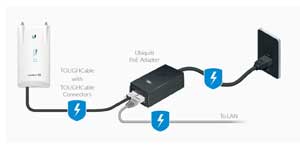 Power Adapter, PoE
 Thiết bị EOS/EOL
 Tủ Rack
 Cáp quang
 Cáp mạng
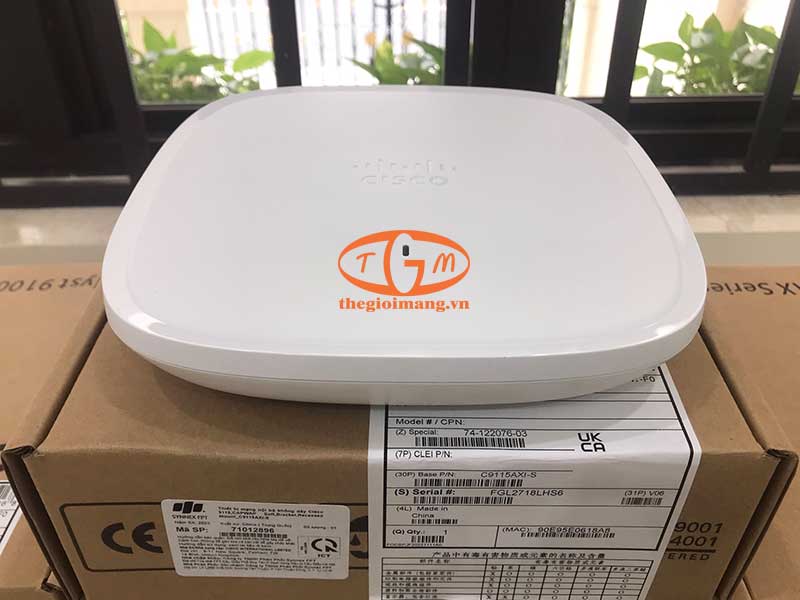
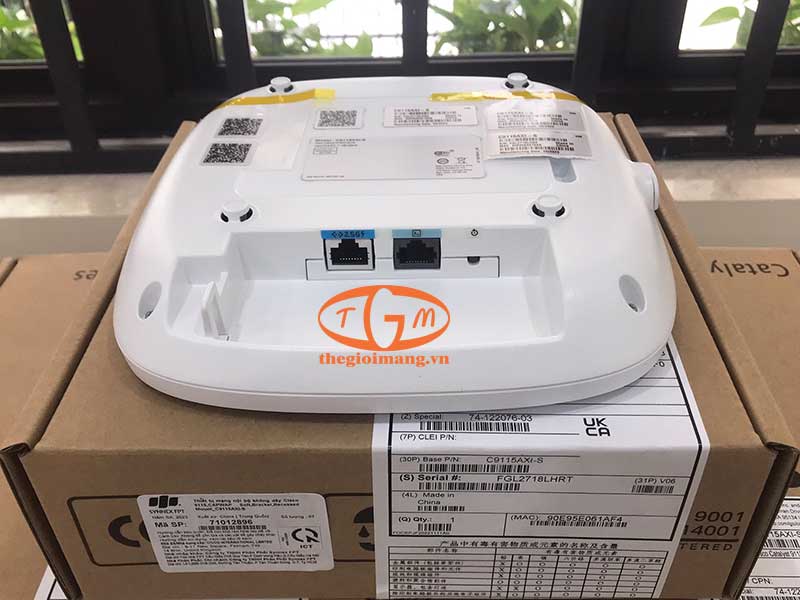
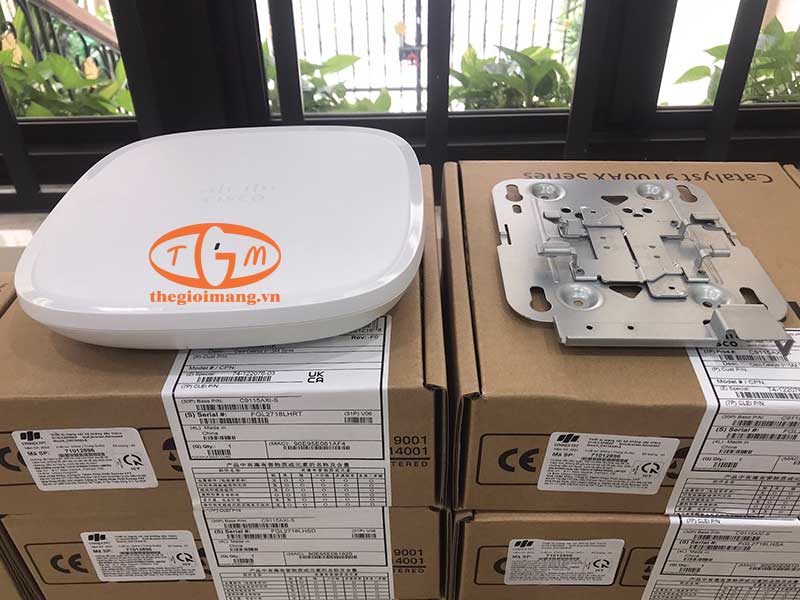
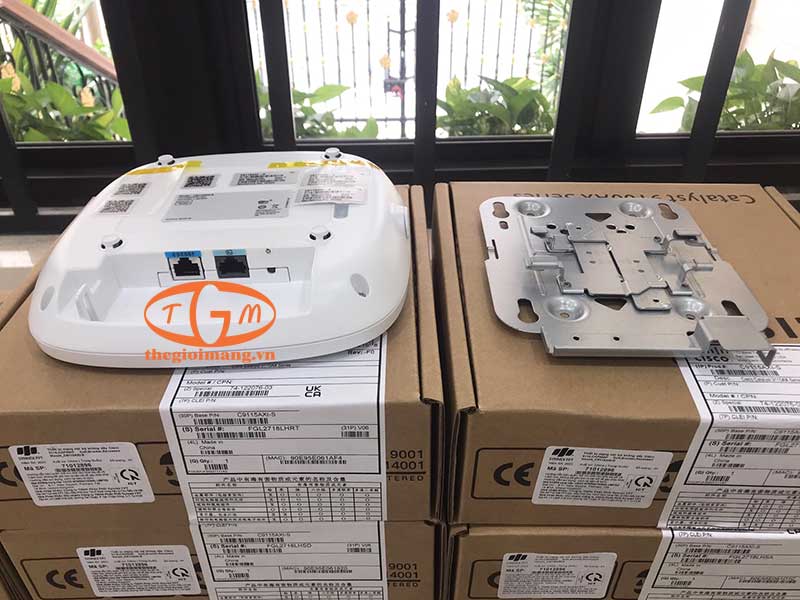



Vì sao Cisco Catalyst C9115AXI-S chỉ được trang bị cổng Multigigabit 2.5G thay vì 5G hoặc 10G?
C9115AXI-S thuộc phân khúc Wi-Fi 6 tiêu chuẩn với tốc độ tối đa khoảng 5.38 Gbps, do đó cổng Multigigabit 2.5G đã đáp ứng tốt nhu cầu truyền dữ liệu thực tế và tối ưu chi phí triển khai. Các dòng Wi-Fi 6E hoặc Wi-Fi 7 hiệu năng cao hơn mới cần cổng 5G hoặc 10G để tránh nghẽn băng thông.
Cisco Catalyst C9115AXI-S có gì khác biệt về khả năng hoạt động khi nhiệt độ môi trường vượt 40°C?
Khi nhiệt độ môi trường vượt 40°C, thiết bị sẽ tự động giảm cấu hình radio từ 4x4 xuống 2x2, hạ tốc độ uplink xuống 1 Gbps và tắt cổng USB để giảm tải phần cứng. Đây là cơ chế bảo vệ giúp Access Point duy trì hoạt động ổn định trong điều kiện nhiệt độ cao.
Khi sử dụng nguồn 802.3af PoE, ngoài việc giảm số luồng không gian của radio, Cisco Catalyst C9115AXI-S còn bị giới hạn chức năng nào?
Khi được cấp nguồn bằng 802.3af PoE, C9115AXI-S sẽ giảm cả hai radio 2.4 GHz và 5 GHz từ 4x4 xuống 2x2, cổng uplink chỉ hoạt động ở 1 Gigabit Ethernet và cổng USB sẽ bị vô hiệu hóa. Điều này cho thấy nguồn 802.3af chỉ đáp ứng được chế độ hoạt động cơ bản của thiết bị.